REVIEW · LOS ANGELES
Hollywood Fame & Celebrity Homes Self-Guided Audio Bundle Tour
Book on Viator →Operated by Drive with Action · Bookable on Viator
Celebrity homes, minus the tour crowd. This self-guided Los Angeles driving tour pairs offline maps with GPS-triggered audio so you can follow the route from the Sunset Strip area up through Bel Air and beyond.
What I like most is the hands-free audio approach: stories play as you reach each location, so you’re not constantly tapping while driving. I also like the value per group, since the price is per car (up to 4), not per person, which matters in LA where even simple excursions can add up fast.
My one big caution is that this is still a phone-in-the-car experience. If your setup is slow, your screen is hard to read while moving, or your phone struggles with GPS, the tour can feel more like map management than a laid-back ride.
In This Review
- Quick hits: what makes this Hollywood homes audio tour work
- Celebrity homes by car: what this tour gives you
- Price and time: does $16.99 per car make sense in LA?
- Where you start (and where you end): Sunset Blvd to the Hollywood Sign
- How the route works: map, story points, and staying sane at intersections
- Stop-by-stop: from Hollywood Boulevard to Bel Air and beyond
- Hollywood Boulevard start: you get oriented fast
- Rodeo Drive and Beverly Hills: the “where you are” feeling
- Hollywood Hills: the drive turns into viewpoint time
- The Michael Jackson mansion story: what to expect when the street view is limited
- The Hollywood Sign finale: a satisfying end, not just a photo
- App setup and offline maps: the difference between smooth and stressful
- What can go wrong (and how you reduce the odds)
- Who should book this Hollywood Fame & Celebrity Homes audio drive?
- Should you book it? My honest take
- FAQ
- How much does the Hollywood Fame & Celebrity Homes audio bundle tour cost?
- How long is the tour?
- Where do I start and where does it end?
- Does it work offline?
- What do I need to do to access the tour on my phone?
- Is this tour hands-free once it starts?
- Is admission or entry to attractions included?
Quick hits: what makes this Hollywood homes audio tour work
- Offline-first maps: download content while you have strong Wi‑Fi/cellular, then keep going without signal
- Audio follows your location: stories play automatically based on where you are on the route
- Route designed for car viewing: you’ll see a mix of gates, façades, and viewpoints (not every home is meant to be fully visible)
- Built for your timing: start anytime, pause anywhere, and take breaks for photos
- Lots of story points: the tour covers about 27+ miles and includes 40+ audio stories
- Car audio options: connect via Bluetooth, USB, or AUX (and it’s compatible with Apple CarPlay)
Celebrity homes by car: what this tour gives you
This is a self-guided driving tour built around one idea: you should be able to see Hollywood without waiting for a van load of people to finish a photo stop. Instead of a group pacing you, you can treat it like a scenic drive with a running guide in your ears.
The big payoff is the format. As long as your phone is set up correctly, the audio tells you what you’re looking at as you move along, and you can linger when a street view is good—or move on when it isn’t.
And because it’s offline after download, you’re not stuck if LA cell coverage decides to disappear for a stretch.
You can also read our reviews of more guided tours in Los Angeles


Price and time: does $16.99 per car make sense in LA?
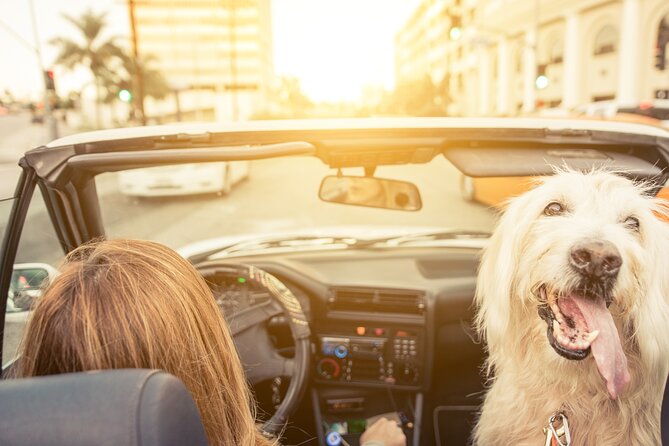
The price is $16.99 per group, up to 4 people in the car. That means if you’re traveling as a family, a couple, or a small group, you’re paying for one setup while everyone shares the experience.
Time-wise, the tour is described as roughly 2–3 hours, but it’s also noted to take about 3–4 hours for the full loop. In other words, I’d plan a half-day buffer, especially if you want photos at viewpoints and you tend to slow down for scenic streets.
Is it cheaper than a guided tour? In many cases, yes—because you’re not paying for a driver-guide. But the tradeoff is that you’re the one managing the app while driving, so your comfort with that matters.
Where you start (and where you end): Sunset Blvd to the Hollywood Sign
Your start point is 7138 Sunset Blvd, Los Angeles, CA 90046, and the tour ends at the Hollywood Sign area in Los Angeles, CA 90068. The route is set up for driving through well-known celebrity-home corridors, including the classic Hollywood-to-Beverly Hills vibe and the higher-elevation Hollywood Hills feel.
It runs daily from 6:00 AM to 9:00 PM, which is helpful because you can choose your lighting. Going at dusk can turn the whole drive into a city-view slideshow, especially as you climb toward the final viewpoints.
The tour is also listed as near public transportation, but realistically, you’ll want a car. This isn’t a walk-through. You’ll be moving, scanning, and listening.
How the route works: map, story points, and staying sane at intersections
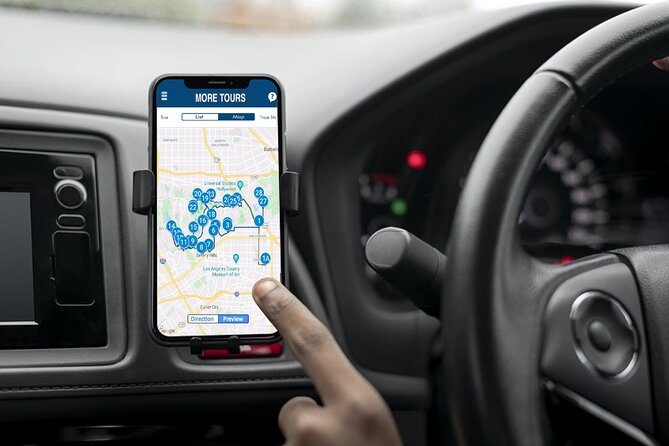
You get a downloadable app and an offline map that works without relying on cellular or Wi‑Fi after the content is downloaded. Once you’re onsite, you open the Action’s Tour Guide app, enter the password sent to you, and start the tour from your planned starting direction.
Here’s the key practical detail: the audio stories are designed to play based on your location. That means you should follow the suggested route and speed limits so the app can “catch up” and trigger each story point at the right time.
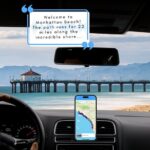
One more setup tip that can save you time: connect your phone to your car audio using Bluetooth, USB, or AUX. If you’re using navigation too, consider using the phone mounted safely where you can see it at a glance, and save fiddly tapping for park-and-photo moments.
If you find yourself bouncing between your phone’s map navigation and the tour app, the drive can feel like juggling. Keep your plan simple: one device for navigation if possible, and one for audio, or use car audio integration if you’re comfortable with it.
Stop-by-stop: from Hollywood Boulevard to Bel Air and beyond
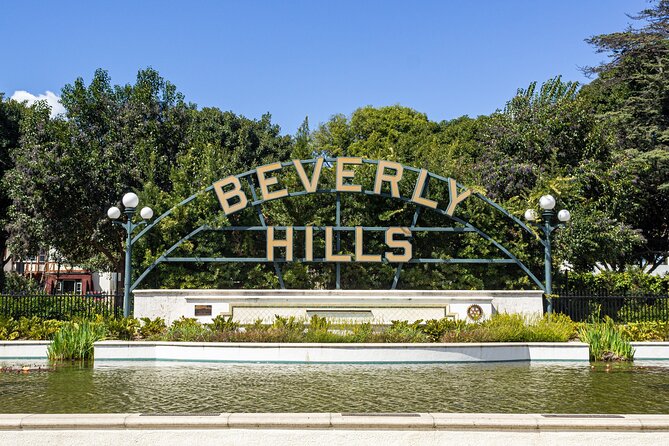
The route starts with Hollywood Boulevard and then pushes through the Sunset Strip–to–Bel Air style axis. Along the way, you pass through areas that LA visitors already recognize—high-end Rodeo Drive, luxurious Beverly Hills, and the star-studded Hollywood Hills feel.
A useful expectation to set for yourself: many celebrity homes aren’t meant to be fully visible from the street. You might see gates, walls, landscaping, and partial glimpses. That’s not a failure of the tour; it’s the reality of privacy on these blocks. The audio story points help you connect names and context even when visibility is limited.
You can also read our reviews of more tours and experiences in Los Angeles



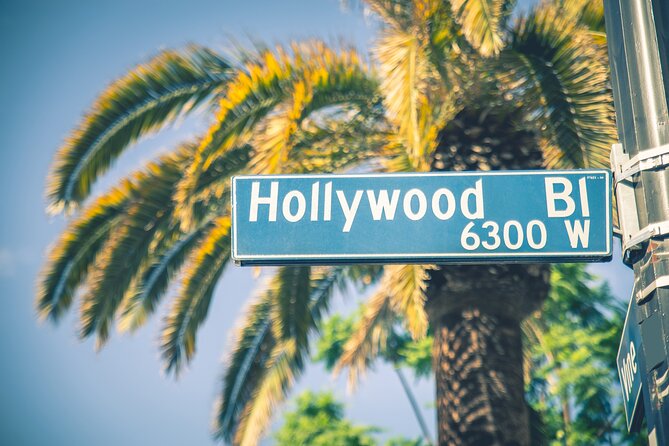
Hollywood Boulevard start: you get oriented fast
Starting at Hollywood Boulevard is smart because you begin in a place with heavy visual cues and easy-to-understand streets. Even if you don’t catch every home detail, you’ll get your bearings quickly, and the audio gives you a reason to pay attention beyond just celebrity sightings.
This is also where you should confirm your audio is working. Once the tour is running, it’s designed to play automatically as you drive, so you don’t want to spend the first 15 minutes troubleshooting.
Rodeo Drive and Beverly Hills: the “where you are” feeling
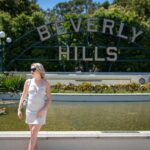
As the route moves toward Rodeo Drive and Beverly Hills, the vibe shifts into that classic premium LA streetscape. It’s a good section for rolling views, window-scene photos from safe pull-offs, and city-minded listening.
If you’re the type who loves architecture details, gate lines, and the overall look of neighborhoods, this part can feel satisfying even when the homes themselves are partly hidden.
Hollywood Hills: the drive turns into viewpoint time
Heading into the Hollywood Hills region usually means more elevation changes and more dramatic sightlines. This tends to be the part of the tour where people slow down for photos, because you get sweeping looks back over the city.
If you’re going at dusk, the hills can deliver a more cinematic feel. Just keep it practical: plan your stops so you’re not trying to park in tricky spots just to take one more picture.
The Michael Jackson mansion story: what to expect when the street view is limited
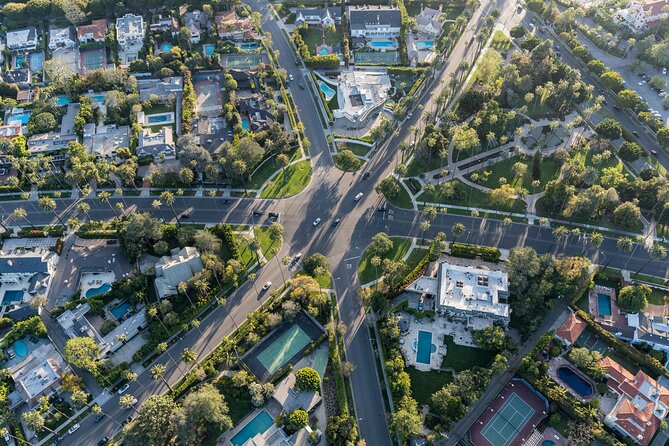
One of the best-known audio moments on this route is the stop featuring Michael Jackson’s home, described as a huge white mansion where he spent the final years of his life. The tour uses that moment to connect celebrity fame to real place-based context, and it’s a standout because it gives you a clear subject when the street view itself might not feel “open” to you.
A reality check: even when a home is famous, you still might mostly see boundaries—gates, trees, or walls. This is where I think the format helps. The audio can tell you what’s going on with the house and the people associated with it, so you’re not standing there confused about what you’re looking at.
If you’re hoping for a clear, walk-up-and-look-through-the-window experience, set expectations lower. You’re driving for views and stories, not for a tour of private property.
The Hollywood Sign finale: a satisfying end, not just a photo
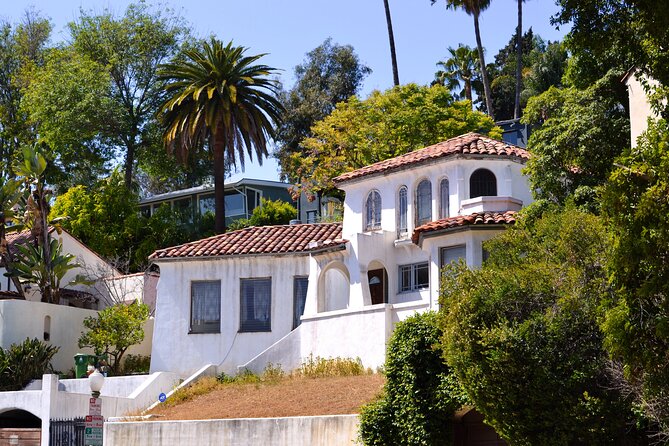
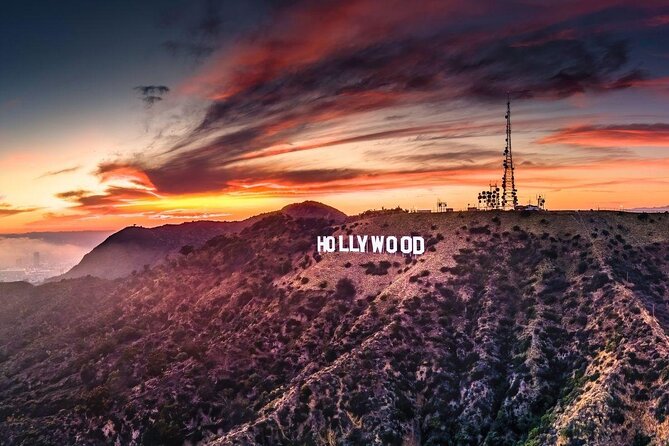
The tour finishes at the Hollywood Sign area. The audio story here focuses on small-but-memorable history and what makes the sign such an LA icon, and then you get the payoff: wide city views plus a clear photo opportunity to cap your drive.
This ending works well because it’s both practical and visual. After 27+ miles of watching streets and hearing background stories, the Hollywood Sign gives you one big “place moment” where you can stop, reset, and take photos without worrying about triggering the next story point.
Aim to end with enough time that you’re not rushing through the photo stretch. If dusk is your goal, plan your pace so you arrive when light still looks good.
App setup and offline maps: the difference between smooth and stressful
The tour is built to work offline, but that only happens if you download the tour content properly while you have strong Wi‑Fi/cellular. You’ll get an email/text with setup instructions and a password, and you’ll need to download the separate Action’s Tour Guide App.
Once it’s downloaded, the offline map is the safety net for LA’s patchy connectivity. Still, you should expect your phone GPS to matter. If GPS accuracy is poor in a canyon-like street, audio triggers can be slightly off timing.
In your car, audio matters too. Connecting through Bluetooth/USB/AUX is the standard plan, and the tour content is compatible with Apple CarPlay (with navigation features noted as coming soon). For the most relaxed experience, keep your audio system stable so you’re not fighting volume levels while driving.
If you’re using headphones instead, that advice is mainly aimed at walking tours, but the underlying point is the same: you want audio you can hear clearly without staring at your phone.
What can go wrong (and how you reduce the odds)
Based on recurring friction points people describe, the biggest issues usually fall into a few buckets:
- Map and UI confusion: it can take time to learn what the map and story lists are doing
- Hidden homes: you may see mostly gates/walls, not the celebrity you hoped for
- Navigation while driving: if you have to tap frequently, it becomes distracting
My practical fix is simple: do your setup at home or your hotel. Then, at the start point, confirm audio playback before you commit to the whole route. When something feels unclear, make your adjustment during a safe stop rather than while rolling.
Who should book this Hollywood Fame & Celebrity Homes audio drive?
This tour fits best if you want control. You like flexible pacing, you enjoy driving scenic LA corridors, and you’d rather pay less than a guided group price while still getting context through audio.
It also suits small groups. Because it’s priced per car (up to four), it’s easier to justify than per-person guided tours when you’re traveling with others.
You might want to reconsider if:
- you hate using apps while driving
- you don’t want to download content ahead of time
- you expect every home to be clearly visible from the street
If any of those are you, the self-guided format could feel like work instead of fun.
Should you book it? My honest take
I think this tour is a strong value if you go in with the right expectation. You’re paying for a self-guided driving itinerary with offline maps and location-triggered audio, not for a behind-the-scenes celebrity home viewing.
Book it if you want a budget-friendly way to move through Hollywood-adjacent neighborhoods like Hollywood Hills, Beverly Hills, and the Rodeo Drive area while learning story context along the way. The Michael Jackson home audio moment and the Hollywood Sign finale are good anchors for your route.
Skip it (or pair it with a guided day) if your top priority is crystal-clear visibility of private homes. This tour can still be fun, but the street view limitations are part of the package.
If you’re the kind of person who enjoys taking the scenic route, listening as you go, and treating LA like a road trip first, this one is likely to land well.
FAQ
How much does the Hollywood Fame & Celebrity Homes audio bundle tour cost?
It costs $16.99 per group, up to 4 people per car.
How long is the tour?
Plan for about 2–3 hours, though the full loop is noted as taking around 3–4 hours.
Where do I start and where does it end?
Start at 7138 Sunset Blvd, Los Angeles, CA 90046, and end at the Hollywood Sign area in Los Angeles, CA 90068.
Does it work offline?
Yes. The tour includes offline maps, and after you download the tour content while you have strong Wi‑Fi/cellular, it should work without cellular or Wi‑Fi.
What do I need to do to access the tour on my phone?
After booking, you’ll receive a password and setup instructions by email/text. Then download the Action’s Tour Guide App, enter the password, and start the tour in the app onsite.
Is this tour hands-free once it starts?
You should be able to use it hands-free. Audio stories are designed to play on their own based on your location, and you can pause or resume as you like.
Is admission or entry to attractions included?
No. The tour does not include attraction passes, entry tickets, or reservations.