REVIEW · LOS ANGELES
Malibu: Coastal Gems Scenic Driving Tour with Audio Guide
Book on GetYourGuide →Operated by Wayfarer-Journey, Inc · Bookable on GetYourGuide
Malibu gets better when you drive slowly. I love the easy Wayfarer GPS that helps you find each stop, and I love the documentary-style audio that ties the scenery to Malibu’s Hollywood links, surf legends, and local culture.
One catch: it’s self-guided with no pickup, so you’ll do the driving and parking, and you’ll want the app ready before you head out.
Plan on about 2 hours for the 25-mile route, with time to hop out near Zuma and Point Mugu. You can start when you want, pause when traffic or photo stops hit, and let the audio guide you at your pace.
In This Review
- Key reasons this drive works
- Why a self-guided Malibu coastal drive feels more Malibu
- Starting at the edge of Santa Monica: Pacific Coast Highway in motion
- Wayfarer navigation: start, pause, and not-get-lost driving
- Getty Villa audio moment: art and place-based storytelling
- Malibu Farmers Market: a local break between the viewpoints
- Zuma and Point Mugu: your sand-and-ocean payoff
- Malibu beyond the beach: Hollywood and surfing in the narration
- Price and logistics: what $29 per group really means
- Practical tips for an easy 2-hour run
- Who should book this Malibu coastal driving tour
- Should you book this Malibu coastal driving tour?
- FAQ
- How long is the Malibu coastal driving tour?
- What is included with the ticket?
- Do I need transportation or pickup?
- Where does the tour start?
- Do I need to download an app, and which one?
- Is this tour wheelchair accessible?
Key reasons this drive works
- Wayfarer app GPS keeps the route moving in your own car, with navigation included
- Flexible start and pause means you’re not locked into a group schedule
- Pacific Coast Highway focus starts at the edge of Santa Monica and follows the coastal curves
- Audio stories at real stops connect Malibu landmarks like the Getty Villa and Malibu Farmers Market
- Great direction support from the navigation experience is a standout strength of this tour format
- Good group value at $29 per group (up to 10 people), since everyone rides together in your vehicle
Why a self-guided Malibu coastal drive feels more Malibu
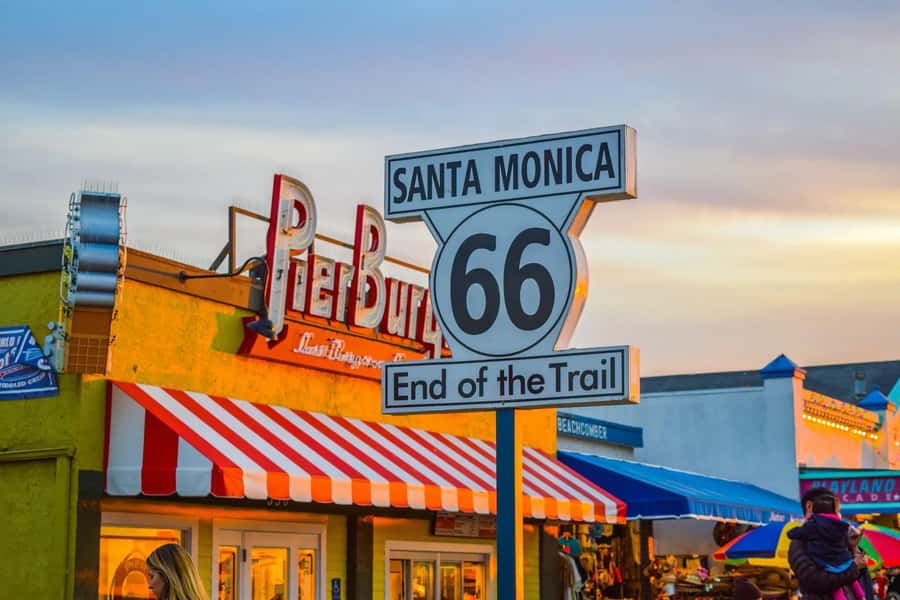
This is one of those activities that only works because you have control. Instead of a fixed itinerary with a loud bus that moves whether you’re ready or not, you drive your own car along the Pacific Coast Highway and let the 2-hour audio tour guide what to notice.
That format matters in Malibu. The road is scenic, the pullouts are spread out, and the best moments are often the ones you time yourself—sun angle, parking luck, and how long you want at the beach. With the audio built into a GPS-guided route, you get context without forcing your day to match someone else’s.
The best part is the balance: you get story and history, but you’re still out in the open air. You’ll be watching the coastline, not reading a brochure.
You can also read our reviews of more guided tours in Los Angeles


Starting at the edge of Santa Monica: Pacific Coast Highway in motion
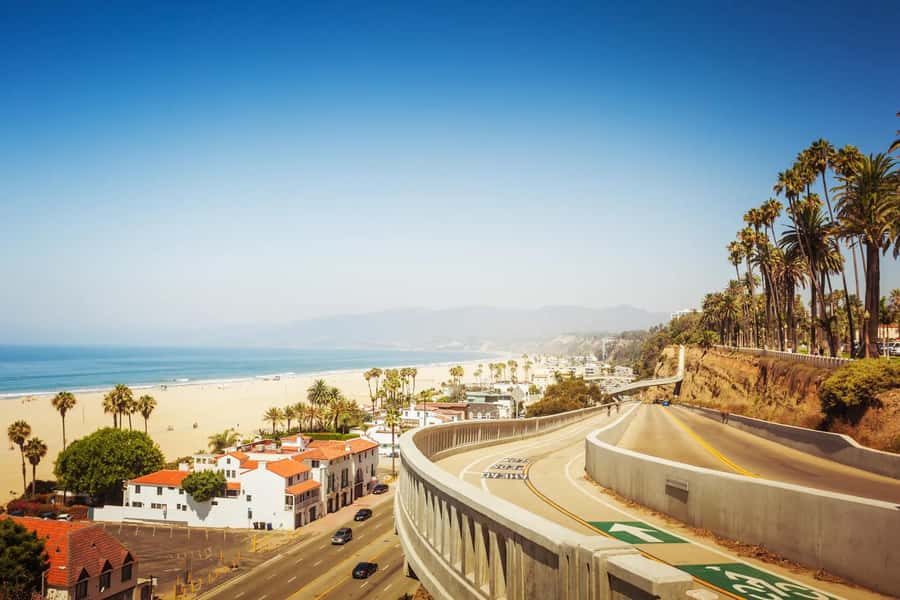
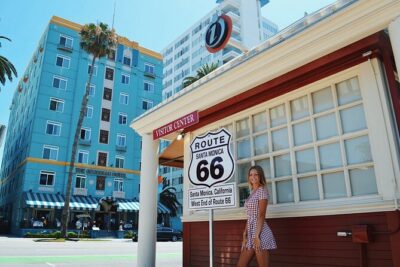
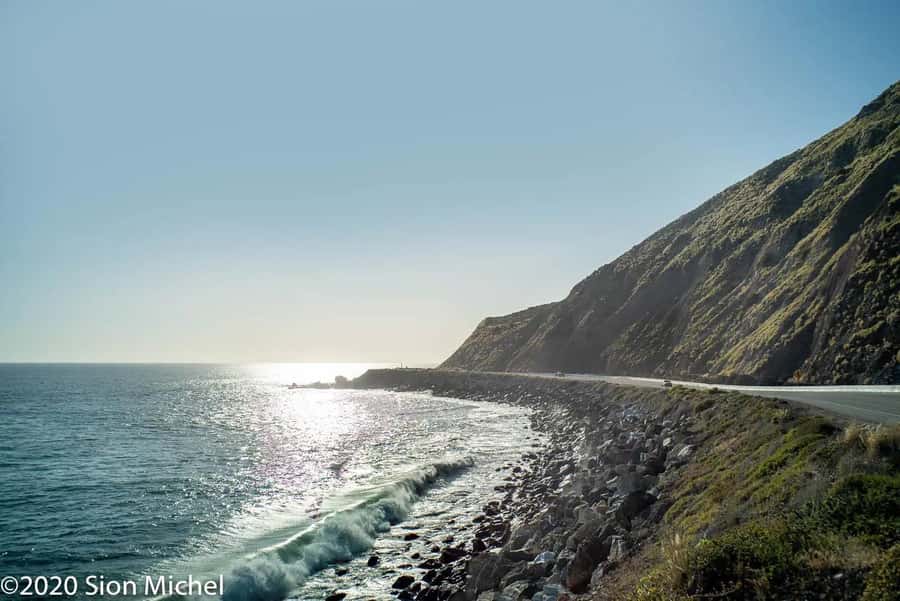
Your route begins where the city feel thins out and the coast takes over: the edge of Santa Monica. From there you follow the famed Pacific Coast Highway (PCH), which is the point. This isn’t a “get in, get out” checklist. It’s a drive that lets you slow down for views that change every few minutes.
You’ll see how Malibu’s coastline is built on motion—curves, cliffs, and sudden ocean reveals. Even if you’ve driven PCH before, the audio guide gives you a reason to pay attention to details you might otherwise rush past.
A practical note: you’re covering 25 miles in about 2 hours, but that timing depends on how often you pull over. The audio format is designed for you to stop when it makes sense, not to keep you driving nonstop.
Wayfarer navigation: start, pause, and not-get-lost driving
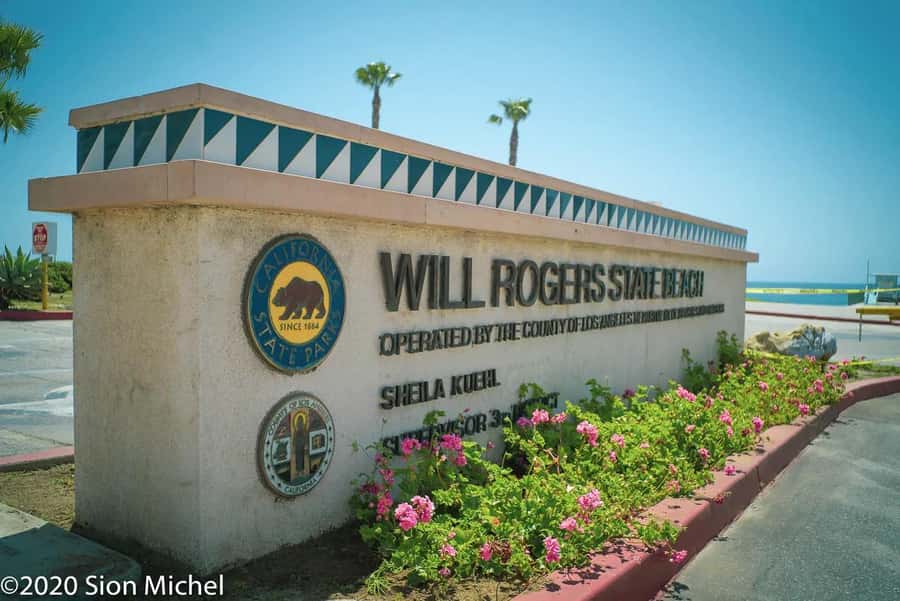
This experience lives and dies by the app. After you book, you receive a confirmation email from GetYourGuide and a separate email from Wayfarer with tour instructions and redemption details. You must click the critical link in the Wayfarer email to download what you need.
The GetYourGuide app won’t help you here. Your navigation comes from the Wayfarer app, and once you create a free Wayfarer account, your purchase shows up automatically in the app. When you’re ready to go, tap Start Tour, and the app gives you directions to the starting location.
One small tip that can save stress: if you’re far from the starting point, wait to hit Start Tour until you’re a few miles away. That reduces the chance you’ll fight reroutes or confusing timing while you’re still getting positioned.
The real value of having a pause feature is simple: you don’t lose the tour if you get delayed. You can step out for photos or wait out parking problems without the whole day slipping off schedule.
Getty Villa audio moment: art and place-based storytelling
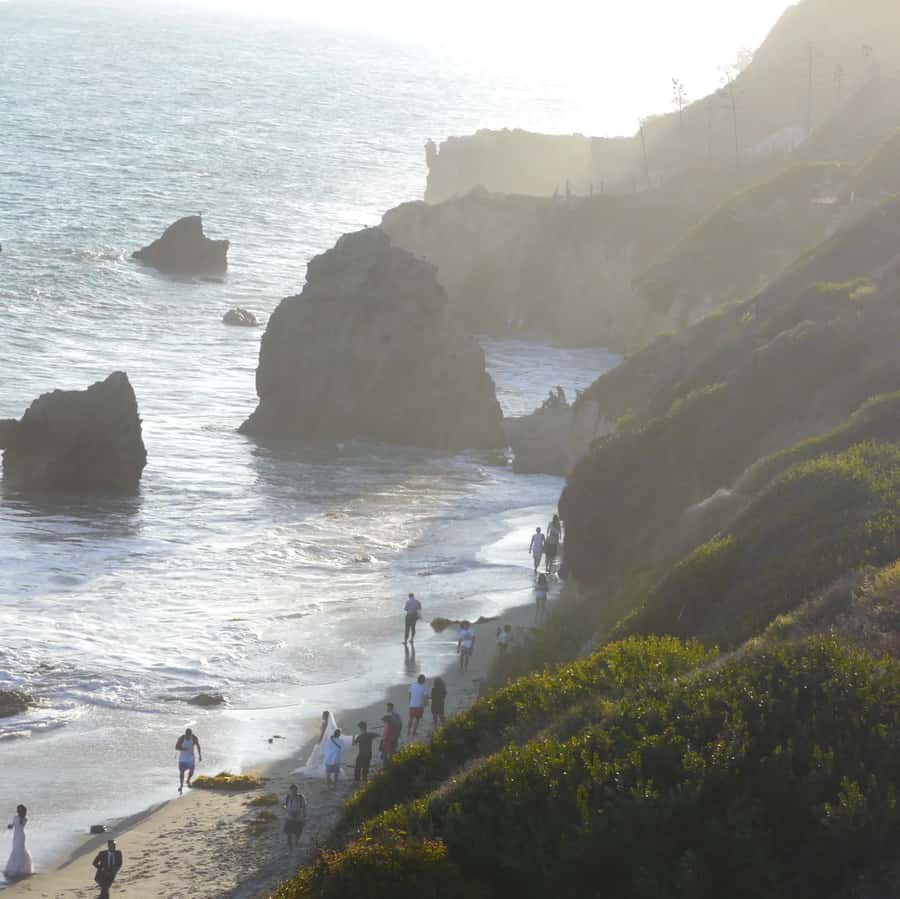
One of the stops built into the route is the Getty Villa. This is a smart inclusion because it’s not just another roadside attraction. It’s a place where architecture and art support the kind of storytelling the audio guide is aiming for.
In the narration, you’ll hear about the region’s connections—how Malibu ties into wider California culture and how stories travel through Hollywood. That kind of context makes your time at a landmark feel more purposeful, even if you only plan a quick stop.
How to make this practical in your 2-hour plan: treat the Getty Villa as a short, high-impact moment. You can park, take in the views, and use the audio track timing to guide what to notice. If you want longer, you can add time by pausing the tour and extending your stop.
Drawback to keep in mind: if you’re the type who wants to see every interior detail, a driving audio tour won’t replace a museum day. It’s best for combining a quick stop with smart observation.
Malibu Farmers Market: a local break between the viewpoints
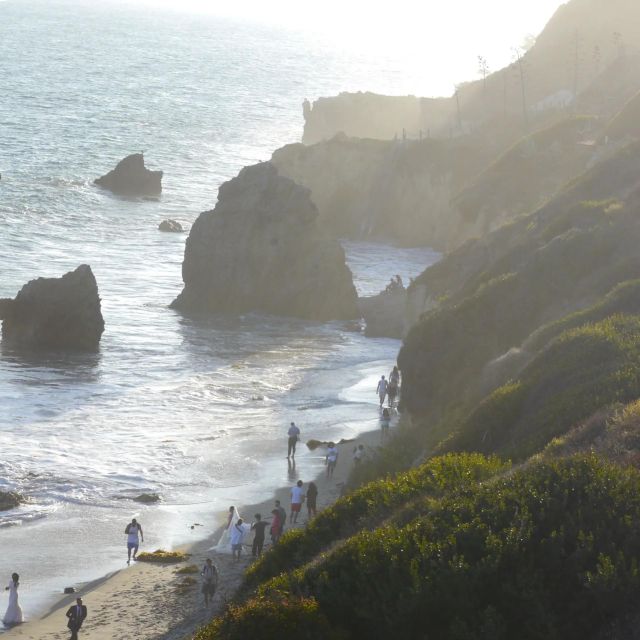
Mid-route, you’ll pass through an area tied to everyday Malibu life: the Malibu Farmers Market. This is a useful pivot from coast driving because it gives you something other than ocean scenery.
When the audio points you here, the goal feels like context as much as shopping. It’s the shift from famous views to local routine—fresh produce, community energy, and the kind of place you can actually linger.
If your schedule allows, use this stop for a snack or coffee and a reset. Eating here also helps you make a cleaner decision about the next beach segment. If you skip it, you may find you spend more time elsewhere just trying to find food.
One consideration: market hours aren’t listed in the tour data you shared, so you should plan around typical timing when you book your day. If the market isn’t running, you’ll still get the area’s vibe, but you’ll want to rely on the driving portion for the main experience.
You can also read our reviews of more tours and experiences in Los Angeles



Zuma and Point Mugu: your sand-and-ocean payoff
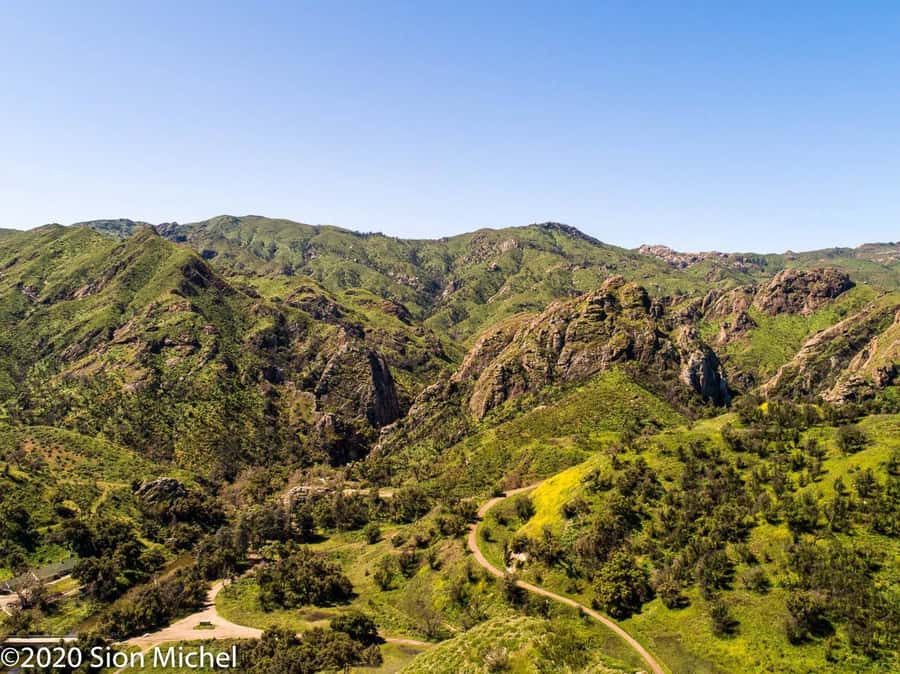
The route highlights two beach areas: Zuma and Point Mugu. This is where the self-guided format pays off, because you can decide how much beach time you want.
At Zuma, you’ll have an easy chance to step out, stretch your legs, and reset with open ocean views. At Point Mugu, the vibe shifts toward a more rugged coastal feel. In both places, the audio guide helps you connect what you’re seeing with the region’s culture and natural features.
If you want the best payoff from these stops, plan it like this:
- Pull in, grab a few quick photos, then decide if you’re staying longer
- Let the audio tell you when the story-related moment is happening, then pause if you need more time
Because the tour is only about 2 hours total, this part rewards quick choices. If you overstay at the first beach, you’ll feel rushed at the second.
Malibu beyond the beach: Hollywood and surfing in the narration
The audio track is documentary-style, and it’s doing real work. It connects the ocean scenery to stories about Malibu’s ties with Hollywood, surfing legends, and natural splendors—so your drive becomes more than pretty scenery.
That matters because Malibu is easy to stereotype. People associate it with fame and shoreline photos. The audio guide pushes beyond that by giving you a sense of how the area’s identity formed—through media attention, surf culture, and the way the land shapes what life can look like.
You don’t need to be a movie buff or lifelong surfer to enjoy it. The strength here is that the stories come while you’re already seeing the environment they connect to. You’re not learning everything in advance. You’re picking it up in real time.
If you prefer shorter audio segments, you can control your pace by pausing the tour. Just remember: pausing stops the storytelling momentum, so don’t keep it paused too long if you want the route’s flow.
Price and logistics: what $29 per group really means
The price is $29 per group up to 10 people. That’s an unusual structure, and it can be a very good deal if you’re splitting costs with friends or family in one car.
Instead of paying per person, you pay for the experience access. If you’re traveling as a small group—say two to five people—this can be cheaper than paying separate guided tour tickets. If you’re solo, it’s still reasonable for a self-guided audio experience because you’re getting GPS navigation plus a 2-hour guided narrative in English.
Where value can drop is if you’re the type who won’t use the audio much or won’t stop for the listed areas. The tour works best when you actually follow the GPS cues and let the narration guide your stops.
Transportation isn’t included, so you’ll need your own car or a way to drive. That’s not a negative if you’re already planning a road-day, but it’s the main logistics reality you should account for.
Practical tips for an easy 2-hour run

This tour is built to fit a half-day, not a full-day excursion. To make it feel smooth, treat it like a “coast loop with story stops.”
A few practical moves:
- Do the app setup at home or at your first parking spot, not while you’re already stressed
- Use Start Tour when you’re close enough that the directions feel helpful right away
- Plan quick stops first, then extend only where you’re truly enjoying the moment
Parking and traffic aren’t covered in the tour data, so you’ll want to stay flexible. The best use of this self-guided format is that you can pause and continue without feeling like you missed a clock.
Also, since the tour is wheelchair accessible, you should plan your beach and facility stops with that in mind. The route highlights specific areas, but the details of access at each point can vary day to day based on conditions.
Who should book this Malibu coastal driving tour
I’d put this tour on your short list if you want:
- A Pacific Coast Highway drive with meaningful context, not just sightseeing
- A self-guided plan that fits your pace, with start and pause control
- GPS navigation and an English audio guide that keeps the route intuitive
It’s also a good fit for groups because the pricing is per group up to 10, and everyone can listen together in one vehicle.
You might skip it if you want a fully hosted experience with someone managing timing, parking, and on-foot exploring for you. This is “you drive, you choose the moments,” with audio guidance doing the talking.
Should you book this Malibu coastal driving tour?
If you’re planning a Malibu day and you want a simple, story-led way to experience the coastline, I think it’s a solid buy—especially with friends in one car. The two strengths are the easy GPS directions and the way the audio connects stops like the Getty Villa, Malibu Farmers Market, Zuma, and Point Mugu to Malibu’s culture.
Just go in knowing you’re responsible for driving and timing. If that fits your style, this is an enjoyable way to see more Malibu without surrendering your schedule.
FAQ
How long is the Malibu coastal driving tour?
The tour duration is 2 hours.
What is included with the ticket?
You get a 2-hour audio tour and GPS navigation.
Do I need transportation or pickup?
No. Transportation or pickup is not included, so you’ll need your own way to drive the route.
Where does the tour start?
The coastal odyssey begins at the edge of Santa Monica. The Wayfarer app provides directions to the starting location.
Do I need to download an app, and which one?
Yes. You must download the Wayfarer app (iOS & Android). The GetYourGuide app will not be of help for this experience.
Is this tour wheelchair accessible?
Yes, the experience is listed as wheelchair accessible.